Open WebUI with Ollama: Host Your Own Private AI in 2026
You've probably used ChatGPT. It's impressive, convenient, and getting smarter every month. But there's a trade‑off you might not have considered: your data goes to OpenAI's servers, usage is capped behind paid plans, and you're locked into one provider's ecosystem.
What if you could have the same polished chat experience — but running entirely on your own hardware, with no subscription fees, no usage limits, and complete privacy?
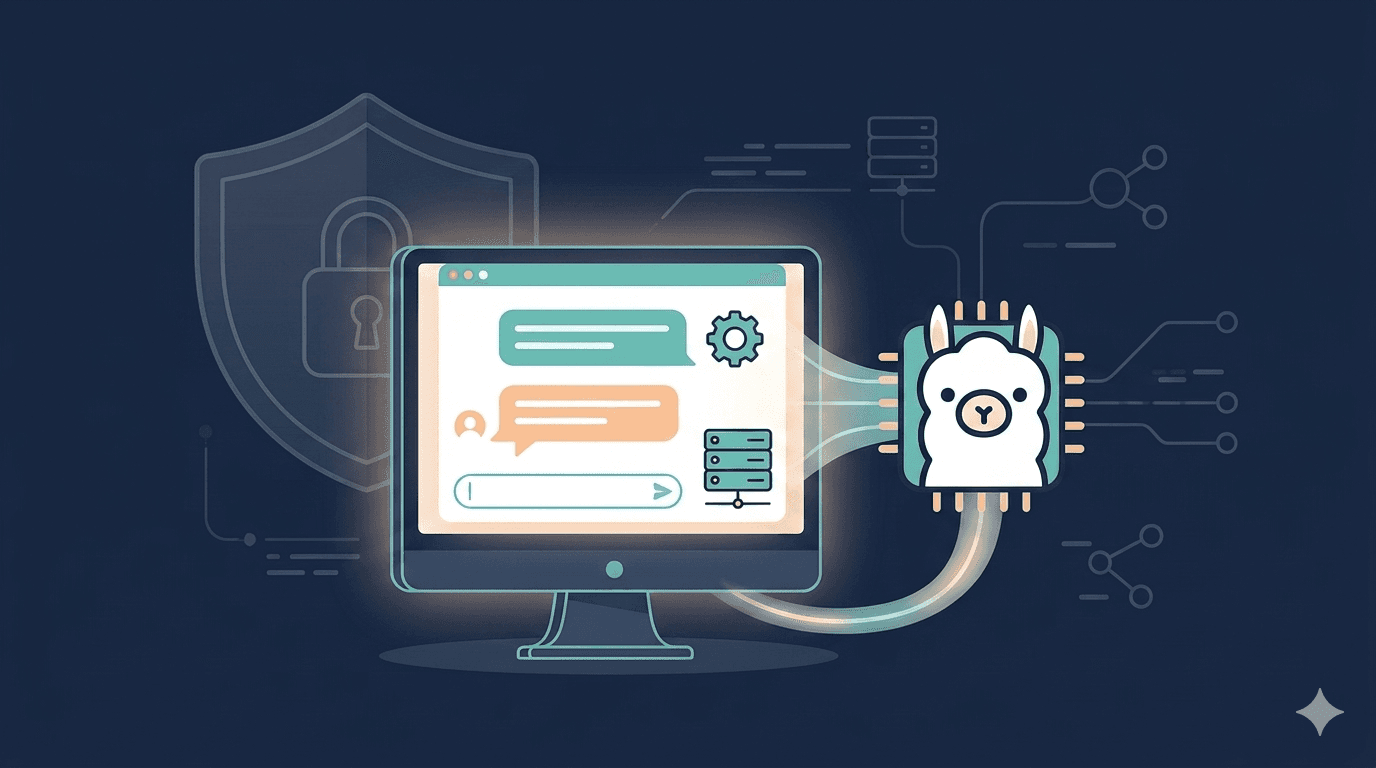
That's exactly what Open WebUI with Ollama delivers. Open WebUI provides the slick, ChatGPT‑like interface, while Ollama runs the actual language models locally on your machine or server. Together, they give you a private, self‑hosted AI assistant that never sends your conversations anywhere.
In this guide, you'll learn:
- What Ollama and Open WebUI are (and why they work so well together)
- How to set them up locally (no cloud required)
- How to deploy them on a server for 24/7 access from anywhere
- What you can actually build with your own private AI
Let's dive in.
What Are Ollama and Open WebUI?
Ollama: The Model Runner
Ollama is a free, open‑source tool that lets you download and run large language models (LLMs) like Llama, Mistral, Gemma, and Qwen directly on your own computer or server. It wraps each model into a simple API that mimics OpenAI's format, so any tool that works with ChatGPT can work with your local models with minimal changes.
You can pull a model with a single command:
$ ollama pull llama3.2:3bThen run it:
$ ollama run llama3.2:3bBy itself, Ollama gives you a command‑line interface. It's powerful but not exactly friendly for everyday use.
Open WebUI: The Interface
Open WebUI is the missing piece. It's an open‑source, self‑hosted web interface that turns Ollama's raw API into a beautiful, ChatGPT‑like chat experience — complete with conversation history, multiple model support, document uploads, and much more.
Think of it this way:
- Ollama is the engine – it runs the models.
- Open WebUI is the dashboard – it gives you a clean interface to talk to those models.
Together, they create a private, fully self‑hosted ChatGPT alternative that you control completely. Your conversations never leave your hardware. There are no usage caps, no subscription fees, and no data being sold or trained on.
If you're already familiar with self‑hosted AI interfaces, you might enjoy our detailed comparison of Open WebUI vs ChatGPT, where we break down privacy, cost, and features side by side.
What Makes Open WebUI Special (Beyond Just Chat)
Open WebUI isn't just a pretty face for Ollama. It's a full‑featured AI platform that rivals — and in some ways exceeds — what ChatGPT offers.
Multi‑Model Support
Open WebUI lets you switch between models mid‑conversation. Need a fast, cheap model for simple questions and a powerful one for complex reasoning? You can jump between them without starting a new chat. It supports Ollama for local models and any OpenAI‑compatible API for cloud models, giving you the best of both worlds.
Built‑in RAG (Document Q&A)
One of Open WebUI's standout features is Retrieval Augmented Generation (RAG). You can upload PDFs, Word documents, or text files directly into a chat, and Open WebUI will index them, generate embeddings, and let you ask questions with citations — all locally, without sending your documents anywhere.
It supports 9 different vector databases and multiple content extraction engines, making it a professional‑grade knowledge pipeline, not a toy.
Web Search Integration
Open WebUI can perform web searches across 15+ providers (Google, Bing, Brave, DuckDuckGo, Tavily, and more) and inject results directly into your conversation. Your local models can now answer questions about current events.
Multi‑User & Team Collaboration
Open WebUI isn't just for solo use. It includes role‑based access control (RBAC), workspaces, shared conversations, and even SSO/LDAP integration. You can run it for your entire team without paying per‑user licensing fees.
Image Generation
Connect Open WebUI to Stable Diffusion, DALL‑E, or ComfyUI, and you can generate images directly from the chat interface. Speech‑to‑text and text‑to‑speech are also supported.
The Bottom Line
Open WebUI isn't a ChatGPT clone. It's AI infrastructure — a self‑hosted control plane for all your models, documents, and tools.
If you want a complete walkthrough of deploying Open WebUI from scratch — including SSL, custom domains, and production best practices — check out our detailed how-to host Open WebUI guide.
Setting Up Ollama and Open WebUI Locally (The Simple Way)
This is the fastest way to get a private AI running on your own computer. No cloud, no server, just your machine.
Prerequisites
- Docker installed (Docker Desktop for Windows/Mac, or Docker Engine for Linux)
- At least 8GB of RAM (16GB is better for larger models)
- 10GB+ free disk space (models are 4–8GB each)
Step 1: Pull and Run the Open WebUI Container
The easiest method uses the official Docker image that includes Ollama:
$ docker run -d -p 3000:8080 --name open-webui ghcr.io/open-webui/open-webui:ollamaThis command:
- Downloads the Open WebUI container with Ollama pre‑integrated
- Maps port 3000 on your computer to port 8080 inside the container
- Starts the container in the background
If you prefer to keep Ollama and Open WebUI separate, you can run them as two containers, but the all‑in‑one image is perfect for beginners.
Step 2: Access the Interface
Open your browser and go to http://localhost:3000. The first time you visit, you'll be prompted to create an admin account. This account is local to your instance — it never leaves your machine.
Step 3: Pull a Model
Once logged in, click your profile icon → Admin Panel → Settings → Models. You'll see your Ollama endpoint already pre‑configured. Click Manage Models and pull a model from the Ollama library. For most users, llama3.2:3b is a great starting point — it runs on about 4GB of RAM and handles everyday tasks well.
Step 4: Start Chatting
After the model downloads, it appears in the model dropdown at the top left. Select it and start typing. That's it — your private AI is ready.
Step 5 (Optional): Enable RAG (Document Q&A)
To upload documents and ask questions about them:
- Go to Admin Panel → Settings → Document Settings
- Enable the RAG pipeline
- Choose a vector database (Chroma is the simplest to start with)
- Upload a file using the paperclip icon in the chat
Now you can ask your local AI questions about your documents — with citations — without ever sending your files to the cloud.
Deploying on a Cloud Server for 24/7 Access
Running Open WebUI on your laptop is great for testing, but your laptop sleeps, restarts, and moves with you. For a production assistant that's always available — or to share with your team — you'll want it on a server.
Option 1: One‑Click Deployment on Railway
Railway offers a one‑click template that deploys both Ollama and Open WebUI together, already networked and ready to use.
- Visit the Railway template page
- Click Deploy Now
- Railway provisions both services, attaches storage volumes, and gives you a public URL within minutes
- Set up your admin account when you first visit the URL
Resource requirements depend on the model size:
| Model Size | Minimum RAM | Use Case |
|---|---|---|
3B (e.g., Qwen2.5-3B) | 4 GB | Simple tasks, fast responses |
7B (e.g., Llama 3.1-8B) | 8 GB | Good general‑purpose use |
13B | 16 GB | Better reasoning and accuracy |
Option 2: Deploy on a VPS with Docker Compose
For more control, you can deploy on any VPS (DigitalOcean, Hetzner, Tencent Cloud, etc.) using Docker Compose. The complete guide to hosting Open WebUI walks through every step — including setting up a reverse proxy, SSL certificates, and daily backups.
The same resource guidelines apply: a 4‑vCPU, 8‑GB RAM server comfortably runs a 7B model and handles multiple concurrent users.
Option 3: Managed Open WebUI Hosting
If you don't want to become a server administrator, you can use a fully managed platform like Agntable. It deploys Open WebUI in minutes with automatic SSL, daily backups, and 24/7 monitoring — no terminal work required.
What You Can Actually Build
Once your private AI is running, the possibilities are endless. Here are real‑world examples.
Internal Knowledge Base
Upload company policies, HR documents, and technical guides. Your team asks questions in plain English and gets answers with citations back to source documents — without sensitive data ever leaving your infrastructure.
Personal Research Assistant
Load research papers, competitor analysis, and industry reports. Query across everything with citations. Perfect for analysts and strategy teams.
Private Team AI Workspace
Give your entire company access to a shared AI assistant. Sales, marketing, and engineering — everyone chats with the same models, but conversations stay private to your instance. Open WebUI's multi‑user support handles workspaces and permissions automatically.
Offline‑Capable Field Assistant
For remote sites with unreliable internet or air‑gapped environments, Open WebUI with Ollama runs completely offline. Your team always has AI assistance, regardless of connectivity.
Development Co‑Pilot
Connect Open WebUI to code‑completion models and use it as a private alternative to GitHub Copilot. Your proprietary code never leaves your network.
Compliance & Audit‑Ready AI
For regulated industries (healthcare, finance, legal), Open WebUI provides complete conversation logs, role‑based access, and data sovereignty. Your data never leaves your control.
Common Questions and Troubleshooting
Q: Do I need a powerful GPU to run Open WebUI with Ollama?
No. CPU inference is slower but works fine for many tasks. A modern CPU generates about 5‑10 tokens per second on a 7B model — slow but usable for non‑interactive work. For real‑time chat, a modest GPU (or a cloud server with a GPU) provides a much better experience.
Q: How much disk space do I need?
Models are typically 4‑8GB each. Start with 20GB of free space, and plan to add more as you download additional models.
Q: Can I use cloud models alongside local ones?
Yes. Open WebUI supports any OpenAI‑compatible API. You can add your OpenAI, Anthropic, or Groq API keys in the settings and switch between local and cloud models in the same conversation.
Q: Is it really private?
When you run local models with Open WebUI, your conversations never leave your hardware. Even when using cloud APIs, the interface and chat history stay on your server — you're not sending your data to a third‑party frontend.
Q: Can multiple people use the same instance?
Absolutely. Open WebUI includes full multi‑user support with role‑based access control (RBAC), workspaces, shared conversations, and admin approval for new signups.
Conclusion: Your Private AI, Your Rules
Setting up Open WebUI with Ollama takes about 10 minutes. In exchange, you get a private, unlimited, multi‑model AI assistant that never sends your data anywhere and costs only what you choose to spend on infrastructure.
Whether you run it locally on your laptop, deploy it on a VPS for your team, or use a fully managed service, one thing is clear: the best AI is the one you control.
Ready to try it yourself? Deploy OpenWebUI in minutes with a 7‑day free trial — no servers, no terminal, no DevOps. Just your private AI, ready to use.