Hermes Agent Telegram Setup Guide: Create Your AI Telegram Bot
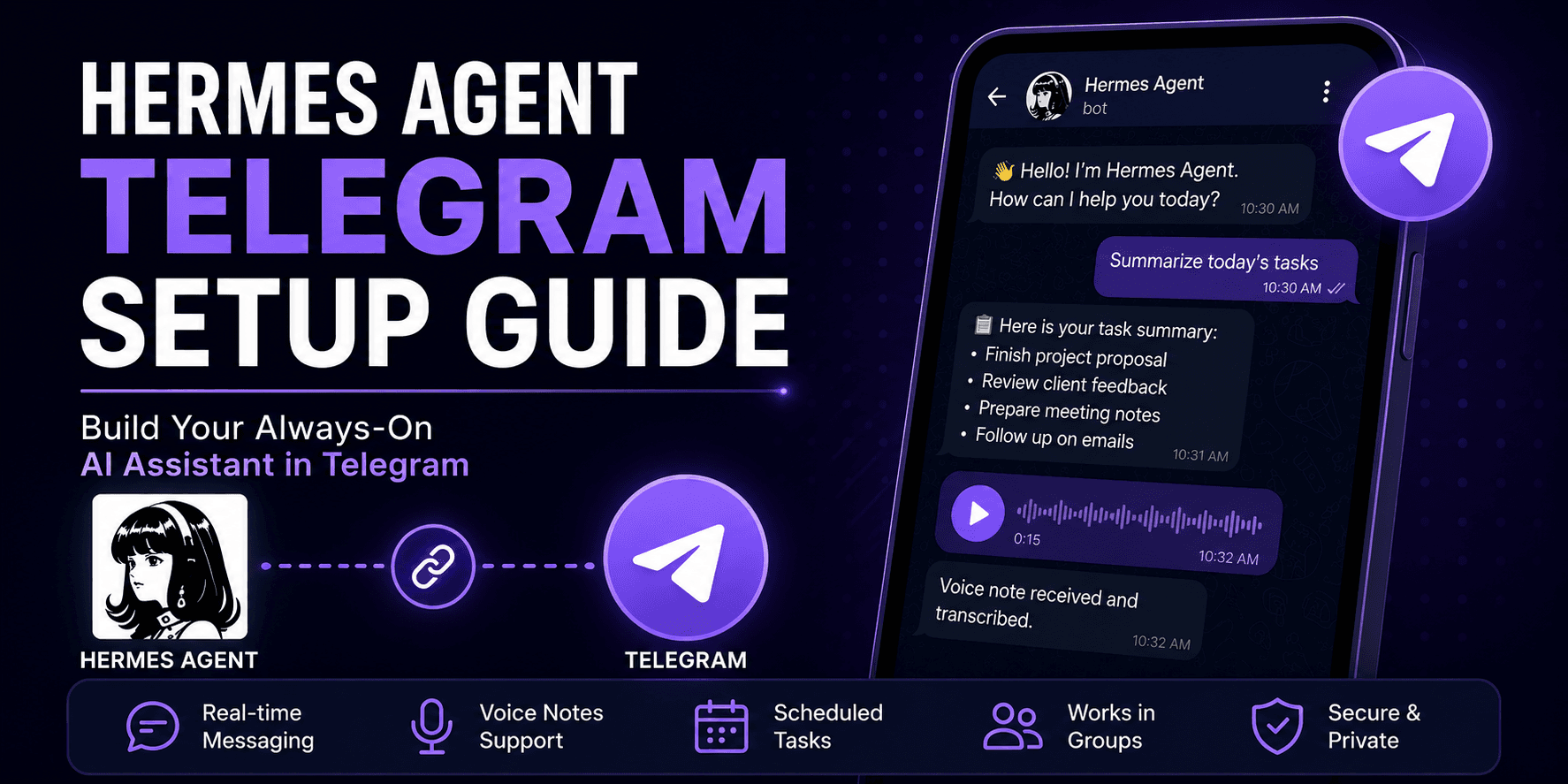
To set up Hermes Agent on Telegram, create a Telegram bot with BotFather, copy the bot token, find your Telegram user ID, add the token and allowed users to Hermes, then start the Hermes gateway.
The simplest setup is:
hermes gateway setupChoose Telegram, paste your token, add your user ID, then start the gateway:
hermes gatewayOnce the gateway is running, your bot is online. Message it from your phone and use Hermes like a private AI assistant inside Telegram.
That is the short version.
The real setup needs a bit more care if you want voice notes, group chats, scheduled task results, or a 24/7 always-on Telegram agent.
This guide explains the beginner-friendly way to set it up properly.
Why Connect Hermes Agent to Telegram?
Telegram is one of the easiest real-world surfaces for Hermes Agent.
You do not need a terminal, laptop, or direct server access. You can message your bot from your phone and get help from Hermes wherever you are.
- Quick personal assistant tasks
- Sending ideas while travelling
- Asking Hermes to summarise or plan something
- Sending voice notes
- Receiving scheduled task results
- Using Hermes in a group chat
- Interacting with your AI agent from any device
Telegram turns Hermes from a tool on your machine into an assistant in your pocket. If you have not installed Hermes yet, read how to self-host Hermes Agent first.
What You Need Before Starting
Before you start, make sure you have:
- Hermes Agent installed
- A working Hermes model/provider setup
- Telegram installed on your phone or desktop
- Access to BotFather
- Your Telegram user ID
- Permission to edit your Hermes config
- A server or local machine where Hermes can keep running
For testing, your laptop is fine.
For real use, a VPS or managed setup is better because the Telegram bot only works while the Hermes gateway is running.
Telegram is just the interface. Hermes still needs to be online somewhere.
Step 1: Create a Telegram Bot with BotFather
Open Telegram and search for:
@BotFatherStart a chat with BotFather and send:
/newbotBotFather will ask for two things:
- A display name
- A username
The display name can be anything, for example:
Hermes AgentThe username must be unique and must end with bot.
Example username:
my_hermes_agent_botAfter this, BotFather gives you a token like:
123456789:ABCdefGHIjklMNOpqrSTUvwxYZKeep this token private. Anyone with this token can control your bot.
Do not paste it in public docs, screenshots, GitHub, or chat messages. If it leaks, revoke it in BotFather.
Step 2: Customise the Bot Profile
BotFather also lets you improve the bot profile:
/setdescription
/setabouttext
/setuserpic
/setcommands
A good description could be:
A private Hermes Agent assistant for personal tasks, research, and automation.Useful commands:
help - Show help information
new - Start a new conversation
sethome - Set this chat as the home channel
Keep it simple. A private assistant should be clear, secure, and easy to recognise.
Step 3: Find your Telegram user ID
Hermes needs to know who is allowed to talk to the bot.
This is controlled with numeric Telegram user IDs.
Your Telegram user ID is not your username. It is a number.
The easiest way to find it is to message one of these Telegram helper bots:
text

@userinfobot
or:
text

@get_id_bot
The bot will reply with your user ID.
Save that number. You will need it when configuring Hermes.
If more than one person should use the bot, collect each person's Telegram user ID.
Do not leave the bot open to everyone. A Hermes Agent bot may have access to tools, memory, files, or workflows. Treat access seriously.
Step 4: Configure Hermes Agent for Telegram
The easiest way is the setup command:
hermes gateway setupWhen prompted, choose Telegram.
Hermes will ask for:
- Telegram bot token
- Allowed user IDs
- Other gateway settings if needed
This is the best path for beginners.
If you prefer manual config, open:
~/.hermes/.envAdd:
TELEGRAM_BOT_TOKEN=123456789:ABCdefGHIjklMNOpqrSTUvwxYZ
TELEGRAM_ALLOWED_USERS=123456789
For multiple allowed users:
TELEGRAM_ALLOWED_USERS=123456789,987654321Step 5: Start the Hermes gateway
Now start the gateway:
bash

hermes gateway
This brings the Telegram connection online.
Open Telegram and send a message to your bot.
Try:
text

Hello Hermes, are you online?
If everything is configured correctly, Hermes should respond.
At this point, you have a working Hermes Telegram bot.
But remember: the gateway process must keep running. If you close the terminal, shut down the server, or stop the process, the bot will stop responding.
For testing, this is fine.
For a real phone-first assistant, you need an always-on setup.
That is where managed Hermes agent hosting becomes useful, especially if you do not want to manage server processes yourself.
Step 6: Understand polling vs webhook mode
Hermes can connect to Telegram in two main ways:
- polling
- webhook mode
For most beginners, polling is the default and easiest option.
With polling, the Hermes gateway keeps asking Telegram for new messages. This works well on a local machine or an always-on VPS.
Webhook mode is mainly useful for cloud platforms that sleep when idle (like certain serverless environments). For a standard VPS or local server, polling is simpler and requires no extra configuration.
Simple rule:
| Mode | Best for |
|---|---|
| Polling | Local setup, VPS, always-on servers |
| Webhook | Cloud platforms that auto-wake on inbound traffic |
Most beginners should start with polling.
Do not add webhook complexity unless you actually need it.
Step 7: Use Hermes Agent as a phone-first assistant
Once Telegram is connected, Hermes becomes much easier to use in real life.
You can send a message from your phone like:
text

Summarise this idea into a short project plan.
Or:
text

Help me prepare a task list for tomorrow.
Or:
text

Turn this rough note into a proper email draft.
This is where Hermes Agent Telegram becomes useful. You are no longer tied to a terminal.
A phone-first Hermes assistant is good for:
- capturing ideas quickly
- planning tasks
- asking research questions
- sending files or notes
- voice-based input
- receiving scheduled updates
- working while away from your desk
For many users, Telegram is the easiest way to make Hermes feel like a real assistant.
Step 8: Set a Home Channel for Scheduled Tasks
Hermes can use a home channel for scheduled task results.
In the Telegram chat where you want results to arrive, send:
/sethomeThis is useful for:
- Daily briefings
- Weekly reports
- Task reminders
- Automation results
- Recurring research summaries
For personal use, your direct message with the bot is usually enough.
For teams, you may want a group chat as the home channel.
Step 9: Use Hermes Agent in Telegram groups
Hermes can also work in Telegram groups, but group setup needs extra care.
By default, Telegram bot privacy mode is enabled. This means the bot will not see every group message.
With privacy mode on, the bot usually sees:
- messages that start with commands
- replies to the bot
- service messages
- messages in channels where the bot is an admin
If you want Hermes to see ordinary group messages, you need to adjust privacy mode in BotFather or promote the bot as an admin.
To change privacy mode:
- Message BotFather
- Send
/mybots - Choose your bot
- Go to Bot Settings
- Open Group Privacy
- Turn it off
After changing privacy mode, remove the bot from the group and add it again. Telegram may not apply the privacy change until the bot rejoins the group.
For most users, I recommend starting with direct messages first. Once that works, move to groups.
Group bots are more powerful, but they are also easier to misconfigure.
Step 10: Voice notes with Hermes Agent Telegram
Telegram voice notes are one of the best parts of this setup.
Instead of typing, you can send Hermes a voice message.
Hermes can transcribe the voice note using its configured speech-to-text provider and add the transcription into the conversation. Most major LLM providers (OpenAI, Groq, etc.) support audio transcription natively; Hermes just passes the audio through.
This makes the workflow feel natural.
You can speak a messy idea into Telegram and ask Hermes to turn it into:
- a task list
- a project outline
- a short email
- a meeting summary
- a content idea
- a research prompt
Voice notes are especially useful when you are walking, travelling, or away from your laptop.
Hermes can also send audio replies if text-to-speech is configured.
For a deeper voice-focused tutorial, read Hermes voice mode setup.
Step 11: Keep the Telegram bot online
This is the part many people forget.
Creating the bot is easy. Keeping it online is the real work.
If Hermes is running on your laptop, the Telegram bot stops when:
- your laptop sleeps
- your internet drops
- the terminal closes
- the process crashes
- the machine restarts
That is fine for testing, but not for a real assistant.
For a reliable Hermes Agent Telegram setup, you need an always-on server and a way to make the gateway survive reboots and crashes. The cleanest method is a systemd user service.
Hermes Agent v0.9.0+ ships a built-in command for this:
bash

hermes gateway install
This creates and enables a user-level systemd service that starts the gateway automatically on boot and restarts it if it crashes. Enable lingering so the service keeps running after you log out:
bash

loginctl enable-linger $USER

systemctl --user enable --now hermes-gateway
Check that it's active:
bash

systemctl --user status hermes-gateway
Look for Active: active (running). If it shows failed, check the logs:
bash

journalctl --user -u hermes-gateway -f
If you are not on a VPS yet, move Hermes to one. A small cloud server from Hetzner, DigitalOcean, or Vultr for $5-6/month is enough. For the full VPS walkthrough, see how to self-host Hermes Agent.
If this all sounds like more server work than you want, deploy Hermes Agent through a managed setup and keep Telegram as the simple chat interface. That gives you the benefit of a phone-first assistant without maintaining the infrastructure yourself. A managed Hermes agent stays online automatically; you just paste your BotFather token and start chatting.
Common Mistakes and Fixes
These are the issues most people hit during setup.
Using Your Telegram Username Instead of User ID
Hermes needs numeric Telegram user IDs. Your username is not enough. Use @userinfobot or @get_id_bot to find the correct ID.
Bot Token Pasted Incorrectly
Check for spaces, missing characters, or extra quotes. The token must be exact.
Gateway Is Not Running
The bot will not respond if the gateway is stopped.
hermes gatewayFor long-running use, configure an always-on server and systemd service as shown in Step 11.
Bot Does Not Respond in Groups
This is usually privacy mode. Turn privacy mode off and re-add the bot, or promote the bot as an admin.
Everyone Can Message the Bot
Do not skip allowed users.
TELEGRAM_ALLOWED_USERS=your_numeric_user_idOnly approve the people who need access.
Voice Notes Do Not Transcribe
Check your speech-to-text setup, local packages, audio tools, and cloud API key if you use one.
Scheduled Tasks Do Not Arrive
Set the home channel:
/sethomeOr configure the home channel manually if your setup requires it.
Security Tips for Hermes Telegram Bots
A Telegram bot connected to Hermes is not a toy. It may connect to memory, tools, files, workflows, and model providers.
Protect it.
- Keep the BotFather token private
- Restrict allowed users
- Avoid exposing services publicly without protection
- Do not share screenshots with tokens
- Rotate the bot token if it leaks
- Limit group access
- Use a strong server setup
- Keep environment files private
- Monitor logs if the bot behaves strangely
If you use Hermes for business work, treat the Telegram bot like a backend service.
Who Should Use Hermes Agent on Telegram?
Hermes Agent Telegram is best for people who want a lightweight, phone-first AI assistant.
It works well for:
- founders capturing ideas
- developers checking tasks remotely
- researchers sending quick notes
- operators getting daily summaries
- creators turning voice notes into drafts
- small teams using a shared assistant
- anyone who wants Hermes outside the terminal
It is less useful if you only want a desktop chat UI. In that case, Open WebUI may be a better surface.
But for quick access from your phone, Telegram is hard to beat.
VPS or Managed Hosting for Telegram?
You can run Hermes Telegram on a VPS.
That gives you control, but it also means you manage:
- installation
- gateway process
- restarts
- logs
- updates
- backups
- bot token security
- uptime monitoring
For technical users, that is fine.
For non-technical users, it can become a distraction.
If your goal is to build a reliable always-on Telegram agent, managed Hermes agent hosting is usually the simpler choice.
You can still use Telegram as the interface. You just avoid the server maintenance behind it.
Final verdict
Telegram is one of the best ways to use Hermes Agent in daily life.
It is simple, familiar, mobile-friendly, and fast to reach. Once connected, Hermes becomes much more than a terminal tool. It becomes a private assistant you can message from anywhere.
The setup is not difficult:
- Create a bot with BotFather
- Get the bot token
- Find your Telegram user ID
- Configure Hermes
- Start the gateway
- Test the bot
- Keep it online with a systemd service or managed hosting
The last step is the most important.
A Telegram assistant only feels useful when it is available. If your gateway keeps stopping, the experience breaks.
So use local setup for testing, VPS setup plus a systemd service if you are technical, and managed hosting if you want the easiest always-on path.
If you want to skip the server work, Deploy Hermes Agent and connect Telegram as your phone-first interface.
FAQs
Can Hermes Agent connect to Telegram?
Yes. Hermes Agent can connect to Telegram as a conversational bot using a Telegram bot token and the Hermes gateway.
How do I create a Hermes Telegram bot?
Create a bot in Telegram using BotFather, copy the API token, add the token to Hermes, set your allowed Telegram user ID, and start hermes gateway.
What is BotFather?
BotFather is Telegram's official bot management tool. You use it to create bots, get API tokens, change bot settings, set commands, and manage privacy mode.
Does Hermes Agent Telegram need webhooks?
Not always. The default polling setup works well for local machines and always-on servers. Webhooks are mainly useful for cloud platforms that wake on inbound HTTP traffic.
Can Hermes Agent receive Telegram voice notes?
Yes. Hermes can process Telegram voice notes using its configured speech-to-text provider. This makes Telegram useful for quick, hands-free assistant workflows.
Can I use Hermes Agent in Telegram groups?
Yes, but you may need to adjust BotFather privacy mode or promote the bot as an admin so it can see the right messages.
Why is my Hermes Telegram bot not replying?
Common causes include a stopped gateway, wrong bot token, missing allowed user ID, privacy mode issues in groups, or a misconfigured Hermes environment file.
Do I need managed hosting for Hermes Telegram?
No, but managed hosting is useful if you want the Telegram bot to stay online 24/7 without managing servers, restarts, logs, backups, and updates yourself.