Best Way to Host Hermes Agent in 2026
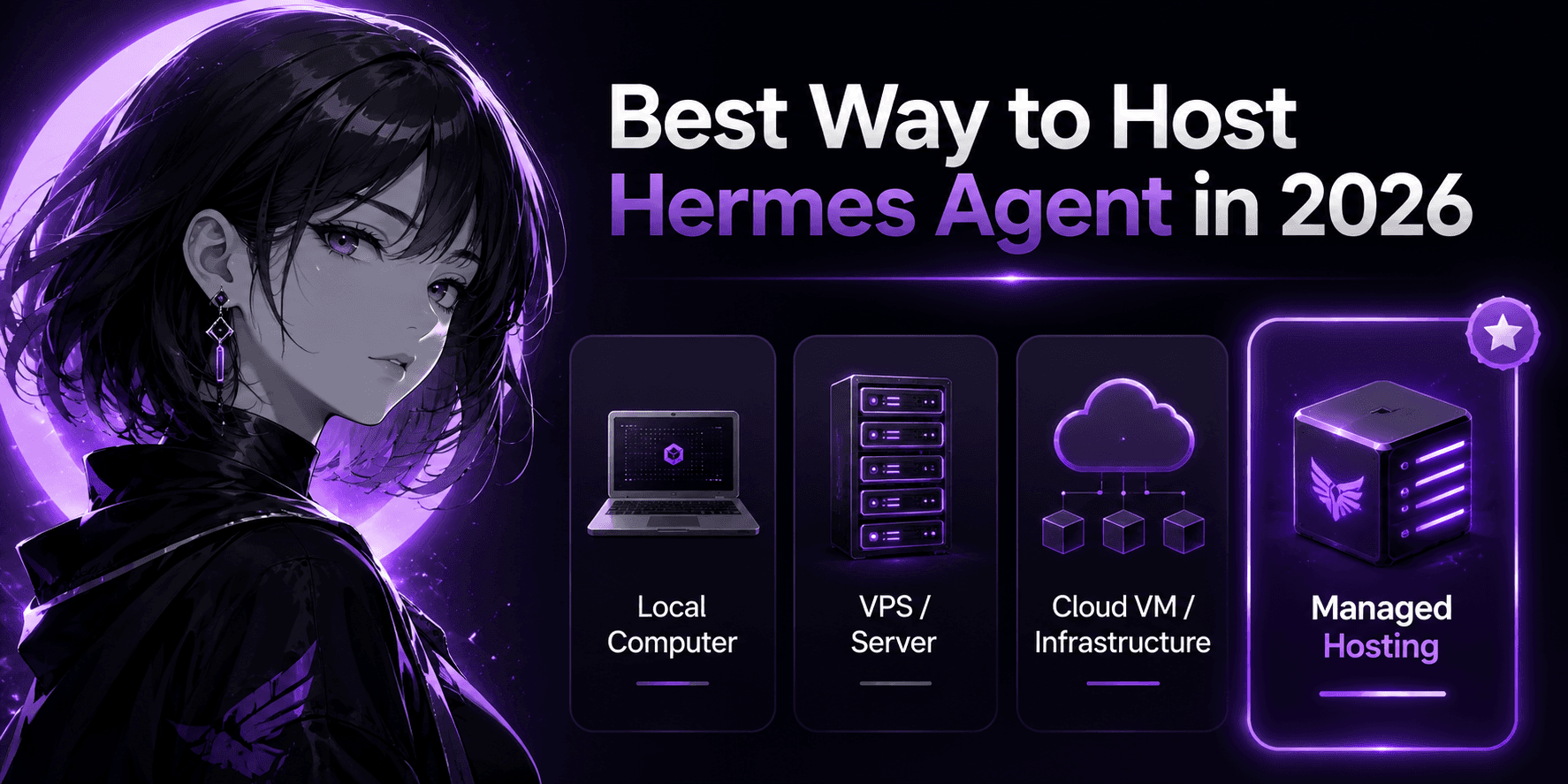
You've installed Hermes Agent locally, chatted with it through the terminal, and watched it write its first skill. The initial excitement settles, and the real question surfaces: where does this thing live so it's actually available when you need it?
Hermes Agent isn't built for one-off chats. It's a persistent AI assistant designed to remember context across sessions, build reusable skills, and run scheduled tasks. That persistence is the whole point - and it's also the reason hosting becomes the most important decision you'll make after the initial install. An agent that only wakes up when your laptop is open is like a colleague who clocks out every time you close a tab.
The good news: you have several solid ways to host Hermes Agent in 2026. The bad news: the cheapest option on paper is rarely the cheapest in practice. This article breaks down every realistic hosting option, matches each to a specific user type, and gives you a single recommendation based on what you're actually trying to achieve.
The Five Hosting Paths
1. Local Machine (Your Laptop or Desktop)
This is the zero-cost, zero-commitment starting point. Run the official one-line installer, configure your LLM provider, and hermes boots up in your terminal.
It's perfect for evaluating the agent, testing models, and understanding how memory and skills work. It costs nothing beyond your API key. It also goes to sleep the moment your laptop does. Hermes is designed as an always-on service - running it on a machine that hibernates defeats the architecture. Scheduled tasks, overnight automations, and cross-session memory lose their value if the agent isn't persistently awake.
2. Self-Hosted VPS
Rent a small cloud server from DigitalOcean, Hetzner, Vultr, or Linode for $4-12 per month. SSH in, run the installer, configure the messaging gateway for Telegram or Discord, create a systemd service so the agent survives reboots, set up ufw for a basic firewall, and script a cron job to back up ~/.hermes/ to a location off-server.
The advantage is complete control. Every file, every API key, every configuration choice is yours. The disadvantage is the ongoing workload. Hermes updates frequently - sometimes weekly - and each release can introduce config migrations, breaking changes to the gateway, or dependency shifts that require manual intervention. Budget 2-8 hours per month for maintenance once the agent is in daily use.
If you genuinely enjoy working with servers and reading changelogs, this path is deeply satisfying. If you just want a reliable assistant while you focus on your actual work, the hidden time cost is worth understanding upfront. For the full step-by-step journey, our guide on how to self-host Hermes Agent covers every command.
3. Cloud Platform as a Service (Railway)
Railway's official Hermes template sits between a raw VPS and fully managed hosting. It provisions the container, mounts a persistent volume for memory and skills, configures private networking, and deploys the gateway and web dashboard automatically.
Infrastructure starts around $5 per month. You still bring your own LLM API key and configure your own messaging channels - the template doesn't abstract those away. But the server provisioning, volume management, health checks, and process monitoring are platform-handled. Compared with a raw VPS, you trade a few dollars for a few hours of your weekend back.
4. Provider Templates (Hostinger, Tencent Cloud, Alibaba Cloud)
Several cloud providers now offer one-click Hermes deployment templates that slash the initial setup time.
Hostinger's VPS catalogue includes a Docker template starting at $5.84/month (1 vCPU, 4 GB RAM). Tencent Cloud Lighthouse released an exclusive Hermes image in April 2026 for one-click deployment on a 2-core 4 GB instance. Alibaba Cloud provides three paths - Simple Application Server, Compute Nest, and Elastic Desktop - each with a pre-configured Hermes stack. Vultr published official Docker Compose documentation with Traefik for automatic HTTPS.
These templates save you the 3-4 hours of initial dependency installation. They do not eliminate ongoing updates, backups, security patching, or gateway troubleshooting. They're a faster on-ramp, not a destination free of maintenance.
5. Fully Managed Hosting (Agntable)
This is where you stop managing infrastructure entirely. You pick a plan, click deploy, and your agent is live in minutes with automatic updates, daily backups, SSL, uptime monitoring, and gateway pre-configuration included.
Agntable is a managed AI Agents platform purpose-built for open-source agents like Hermes. It provisions an isolated instance with dedicated CPU, RAM, and SSD storage, and handles server maintenance, CVE patching, and 99.9% uptime monitoring with automatic recovery. You bring your own LLM API key - it supports Anthropic, OpenAI, Gemini, and any OpenAI-compatible endpoint.
Plans are flat-rate per agent:
| Plan | Price | Resources | Storage |
|---|---|---|---|
| Starter | $9.99/month | 1 vCPU / 4 GB RAM | 20 GB |
| Pro | $24.99/month | 2 vCPU / 8 GB RAM | 50 GB |
| Business | $49.99/month | 4 vCPU / 16 GB RAM | 100 GB |
All tiers include a 7-day free trial, free SSL, custom domain support, daily automated backups, and cancellation anytime with no contracts. If you want to deploy Hermes Agent without touching a terminal, this is the quickest route. For a detailed breakdown of when this beats self-hosting, read Managed Hosting vs VPS for Hermes Agent.
The Real Cost Comparison
Sticker prices are misleading. Here's what you actually spend when you account for time.
| Hosting Path | Monthly Cash Cost | Setup Time | Ongoing Time/Month | Real Monthly Cost (at $40/hr) |
|---|---|---|---|---|
| Local machine | $0 + API fees | 10 min | 0 (not always-on) | ~$0 (but not a real deployment) |
| Raw VPS | $4-12 + API fees | 3-4 hours | 2-8 hours | $84-332 |
| Railway template | ~$5-10 + API fees | 15 minutes | 0.5-1 hour | $25-50 |
| Hostinger VPS template | $5.84 + API fees | 20 minutes | 1-2 hours | $46-86 |
| Fully Managed (Agntable) | $9.99/month + API fees | 3 minutes | Near zero | $9.99 |
API costs are separate on every path - typically $5 to $50+ per month depending on model choice and usage volume. The gap between a raw VPS and managed hosting narrows dramatically once you value your time. A $6 VPS can cost $200 per month in hidden maintenance labour. At $9.99, the managed Starter plan costs less than a single hour of professional time.
What Each Option Looks Like for Real People
Rather than declaring one option universally best, let's match paths to who you actually are.
The Hacker
You're comfortable in a terminal. You enjoy configuring servers, writing systemd unit files, and reading release notes. You'd probably tinker with a VPS even if Hermes didn't exist.
Your best option: a raw VPS. You'll genuinely enjoy the process, and the control is worth the time investment. Start with a 2 GB RAM instance on Hetzner or DigitalOcean, set up off-server backups early, and treat the maintenance as part of the hobby.
The Solo Professional
You're a founder, creator, developer, or consultant. Hermes helps with your actual work - research, writing, scheduling, coding. Server administration is not your product. You need the agent to be reliable, not to give you a Saturday project.
Your best option: Railway's template for a light-touch cloud runtime, or Agntable Starter for a fully hands-off experience. Both save you the hours you'd otherwise burn on maintenance. An easier way to host Hermes Agent exists precisely for this scenario - one that doesn't demand you become a part-time sysadmin.
The Team
Multiple people depend on the agent. Downtime affects everyone. Configuration needs to be reproducible, and the person maintaining it shouldn't be a single point of failure.
Your best option: Agntable. With 1-4 vCPUs, priority support, and tight recovery windows, operational risk moves to a provider with a published uptime SLA and automatic restarts. Daily backups with point-in-time recovery mean no one person carries the data loss risk.
The Non-Technical User
You don't want to learn what SSH is. You want an AI assistant that remembers your preferences and automates tasks - not a crash course in Linux.
Your best option: Agntable Starter. Deployment takes about three minutes. You pick Hermes from the catalogue, choose a plan, provide your API key, and start using the agent. Backups, SSL, updates, security patches, and monitoring happen behind the scenes.
How to Decide (Without Overthinking)
Ask yourself three questions:
- Do I enjoy infrastructure work? If yes, go VPS. If no, go managed.
- Is the agent's availability tied to my income? If yes, choose a platform with an uptime SLA - that's either Railway (semi-managed) or Agntable (fully managed).
- Am I the only user? If a team is involved, managed hosting removes the "bus factor" risk where only one person knows how the server works.
The best way to host Hermes Agent rarely means the cheapest sticker price. It means the option that fades into the background so you can focus on what the agent actually does for you.
The Clear Winner
If you're technical and treat infrastructure as a hobby, self-host on a cheap VPS. You'll love it.
If you're anyone else - a professional, a founder, a team, a non-technical user - managed hosting is the smarter play. The numbers make the argument: $9.99 per month for a zero-maintenance agent that's always online, automatically backed up, patched, and monitored. For the cost of a single month of VPS maintenance time, you get a full year of completely hands-off availability.
When you're ready to skip the terminal work entirely, you can deploy Hermes Agent through Agntable's managed platform and start using it today. The agent is the same. The model is yours. The only thing that changes is who handles the server.
FAQs
What is the best way to host Hermes Agent?
The best way to host Hermes Agent depends on your use case. Local hosting is best for testing, VPS hosting is best for technical users, cloud VM hosting is best for custom infrastructure, and managed hosting is best for most users who want reliability without maintenance.
Can I host Hermes Agent on a VPS?
Yes. Hermes Agent can run on a VPS, and the official docs describe it as something that can live on a small VPS, GPU cluster, or serverless infrastructure. A VPS is a good choice for technical users who want control.
Is managed hosting better than VPS hosting for Hermes Agent?
Managed hosting is better if you want faster setup, backups, uptime monitoring, SSL, recovery, and less maintenance. VPS hosting is better if you want full control and do not mind managing the server yourself.
Can I run Hermes Agent locally?
Yes. You can install Hermes Agent locally on Linux, macOS, WSL2, or Termux using the official one-line installer. Local hosting is best for testing and learning, not serious, always-on use.
Does Hermes Agent need to be online all the time?
Not always. If you are testing locally, it only needs to run when you use it. But if you want messaging access, scheduled tasks, Open WebUI integration, or a persistent private AI assistant, Hermes should run in a stable, always-on environment.
What is the easiest way to deploy Hermes Agent?
The easiest route is managed hosting because you do not need to manually provision a server, configure updates, set up backups, monitor uptime, or manage recovery. For DIY users, the official one-line installer is the easiest self-hosting route.
Should teams use managed hosting for Hermes Agent?
Most teams should use managed hosting unless they already have someone responsible for maintaining the infrastructure. Teams usually need uptime, backups, recovery, and a setup that does not depend on one technical person.